Published on 2026-03-01 18:37 by Manu Gallego
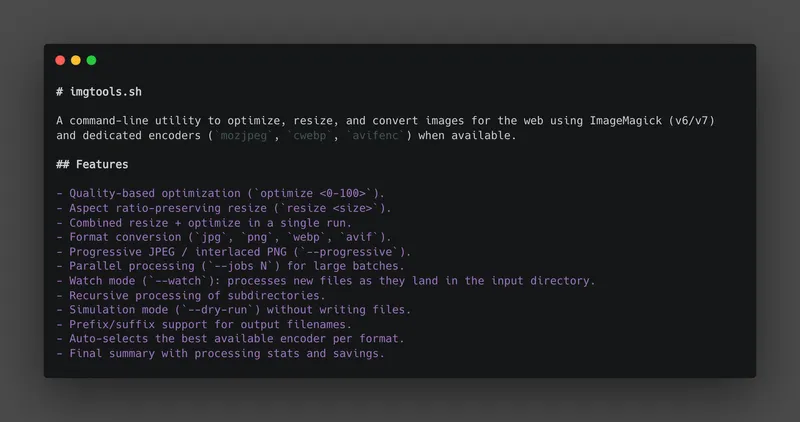
imgtools.sh
A command-line utility to optimize, resize, and convert images for the web using ImageMagick (v6/v7) and dedicated encoders (mozjpeg, cwebp, avifenc) when available.
Features
- Quality-based optimization (
optimize <0-100>). - Aspect ratio-preserving resize (
resize <size>). - Combined resize + optimize in a single run.
- Format conversion (
jpg,png,webp,avif). - Progressive JPEG / interlaced PNG (
--progressive). - Parallel processing (
--jobs N) for large batches. - Watch mode (
--watch): processes new files as they land in the input directory. - Recursive processing of subdirectories.
- Simulation mode (
--dry-run) without writing files. - Prefix/suffix support for output filenames.
- Auto-selects the best available encoder per format.
- Final summary with processing stats and savings.
Requirements
sh(POSIX-compatible script).- ImageMagick:
- v7:
magick - or v6:
convert
- v7:
Better encoders (optional, auto-detected)
When installed, these replace ImageMagick for their respective formats and produce smaller files at equal quality:
| Encoder | Format | Install |
|---|---|---|
mozjpeg | JPEG | brew install mozjpeg |
cwebp | WebP | brew install webp |
avifenc | AVIF | brew install libavif |
fswatch / inotifywait | (watch mode) | brew install fswatch |
Dependency installation
The script includes a command to check and install dependencies:
./imgtools.sh install
It detects and attempts installation via apt, brew, dnf, yum, or apk.
Usage
./imgtools.sh [action] [value] [options]
Actions
optimize <0-100>: compresses using a quality percentage.resize <size>: resizes while preserving aspect ratio.1200h→ max width 1200px400v→ max height 400px1200→ equivalent to1200h
install: checks and installs dependencies.
Options
-i, --input <dir>: input directory (default: current directory).-o, --output <dir>: output directory (default: same as input).-v, --verbose: shows per-file details and savings.-r, --recursive: processes subdirectories.-j, --jobs <n>: parallel workers (default: 1).--progressive: write progressive JPEG / interlaced PNG.--watch: monitor input directory; process new files as they arrive.--overwrite: overwrites existing output files.--dry-run: simulates execution, writes nothing.--suffix <txt>: appends_<txt>to each output filename (e.g.--suffix web→photo_web.jpg).--prefix <txt>: prepends<txt>_to each output filename (e.g.--prefix web→web_photo.jpg).--format <fmt>: output format (jpg | png | webp | avif).--ext <list>: comma-separated extensions to scan (default:jpg,jpeg,png,gif,bmp,tiff,webp).--optimize <0-100>: also optimizes when main action isresize.--resize <size>: also resizes when main action isoptimize.-h, --help: shows help.
Examples
Optimize images at 80% quality:
./imgtools.sh optimize 80
Optimize and also resize/convert to WebP:
./imgtools.sh optimize 85 --resize 1200h --format webp
Resize from src to dist with suffix and verbose output:
./imgtools.sh resize 1200h -i ./src -o ./dist --suffix web -v
Optimize with progressive JPEG using 4 parallel workers:
./imgtools.sh optimize 80 --progressive --jobs 4 -i ./src -o ./dist
Process recursively and overwrite outputs:
./imgtools.sh resize 400v --overwrite --recursive
Watch a directory and convert every new upload to WebP on the fly:
./imgtools.sh optimize 80 --format webp --watch -i ./uploads -o ./dist
Simulate without writing files:
./imgtools.sh optimize 80 --prefix web --format webp --dry-run -v
Recommended workflow
- Run in simulation mode to validate outputs:
./imgtools.sh optimize 80 --dry-run -v - Run again without
--dry-run. - Review the final summary (processed, skipped, errors, and total savings).
Project structure
img_tools/
├── imgtools.sh
└── README.md
Notes
- ICC color profiles are preserved during optimize: the script converts to sRGB before stripping metadata, so color rendering stays correct in browsers.
--extfilters which files are picked up from the input directory.- If the output directory does not exist, it is created automatically (except in
--dry-run). - In
--jobs Nmode, stats (processed, saved bytes, errors) are aggregated correctly across all workers. - AVIF falls back to ImageMagick with
libheififavifencis not installed.
License
This project is licensed under the GNU General Public License v3.0 (GPLv3). See the full license text for details.
View on GitHub
Written by Manu Gallego
← Back to blog